How to Register
Overview
Creating a BionicWP account is the first step to accessing our high-performance WordPress hosting and management platform. The registration process is quick, secure, and gives you instant access to site management tools, unlimited edits, speed optimization, and more.
How It Works
You’ll need to fill out a short registration form with your details, verify your email, and (optionally) apply a promo code. Once completed, you'll have full access to your BionicWP dashboard and can start adding and managing WordPress sites right away.
Step-by-Step Instructions
Go to the Registration Page
→ Visit: https://www.bionicwp.com/ → Navigate to the Pricing page to buy a plan or click on "Get Started"Complete the Registration Form
Fill in all required fields:
Name
Email Address
Password
Managed Sites Count
Referral Source (If you have)
Click Start Free Migration
Apply a Promo Code (Optional)
If you have a valid promo code, you can enter it during the registration process to receive a discount or promotion.
Submit and Verify
After submitting the form, the account will be sent to the team for verification.
Once verified, you'll be automatically logged in to your account.
Billing info
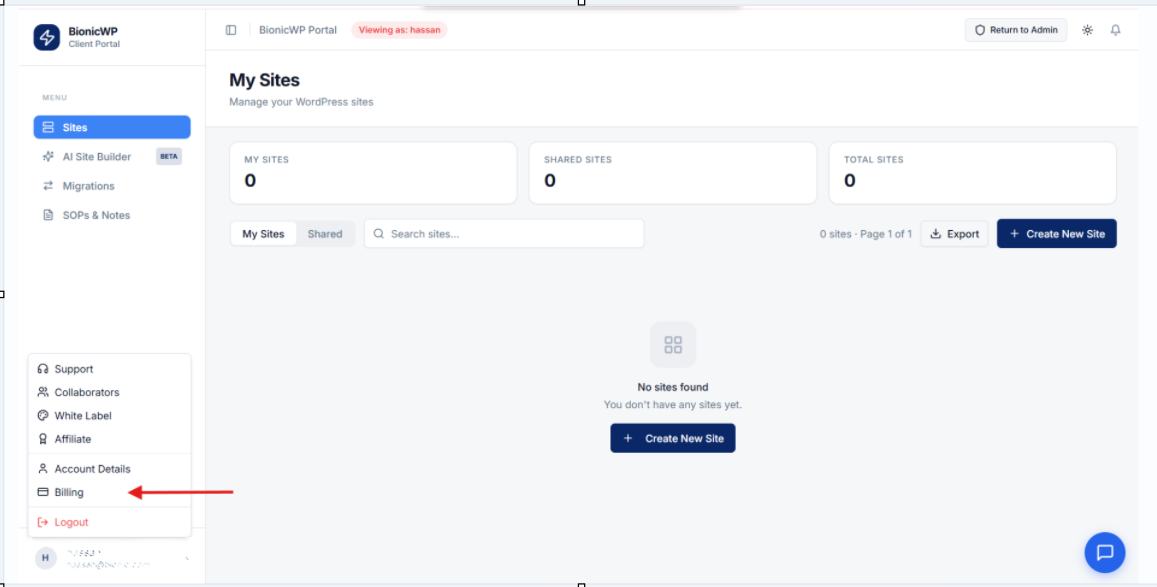
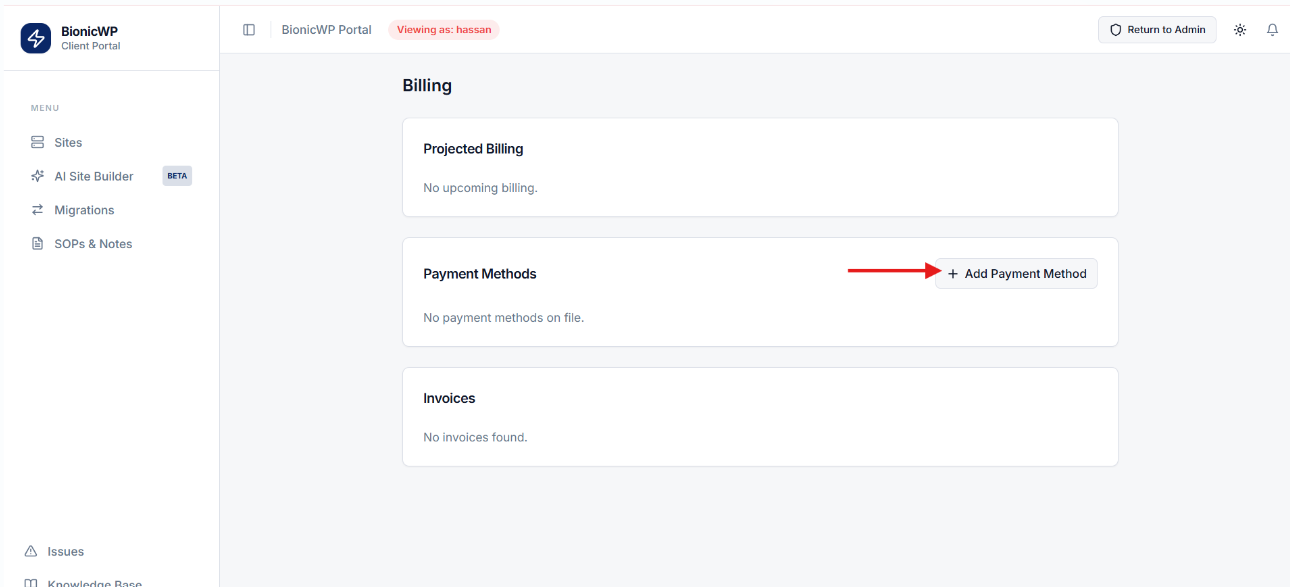
Once you've logged in to your account, navigate to the Billing section and add your preferred payment method.